← AirBee Deck
← 飞蜂控制台
Guides, demos and updates
指南、演示与更新
Tips for getting more out of AirBee Deck, what's new, and short demos of the features people ask about most.
更多飞蜂控制台的使用技巧、新功能,以及大家最常问特性的简短演示。
Guides
指南
3
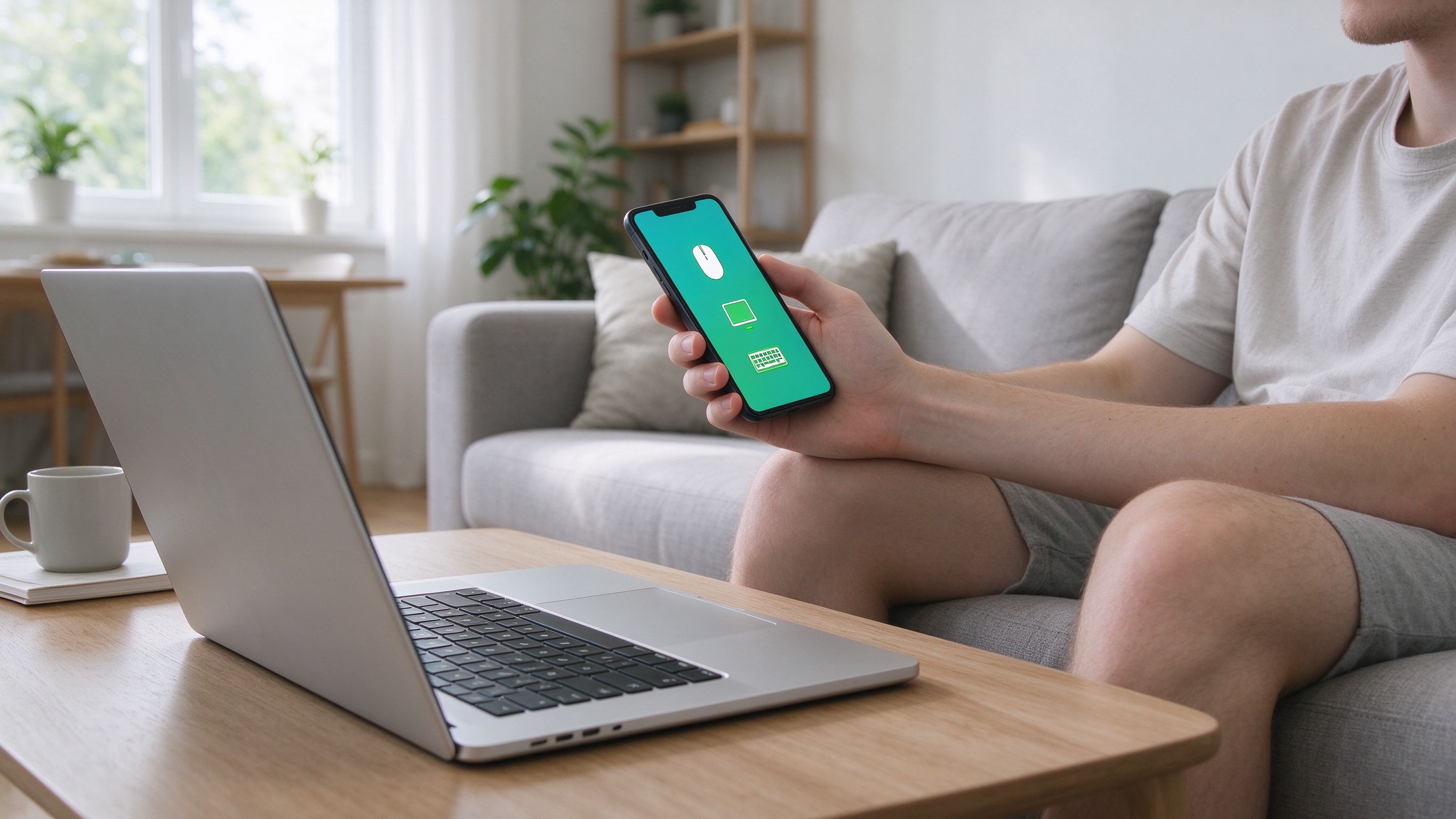
How to Use Your Phone as a Wireless Mouse and Keyboard for PC or Mac
如何把手机变成电脑的无线鼠标和键盘
Turn the phone in your pocket into a wireless mouse, trackpad and keyboard for your PC or Mac. A step-by-step setup guide with no cloud account required.
把你口袋里的手机变成 PC 或 Mac 的无线鼠标、触控板和键盘。一份无需云端账号的分步设置指南。
Read more阅读全文
Meet AirBee Deck: your phone is the remote for everything
飞蜂控制台:一部手机,遥控你所有的设备
Control your computer, TV and Apple TV from one screen. Here's what AirBee Deck does and how to get set up in under a minute.
用一块屏幕控制你的电脑、电视和 Apple TV。了解飞蜂控制台能做什么,并在一分钟内完成设置。
Read more阅读全文
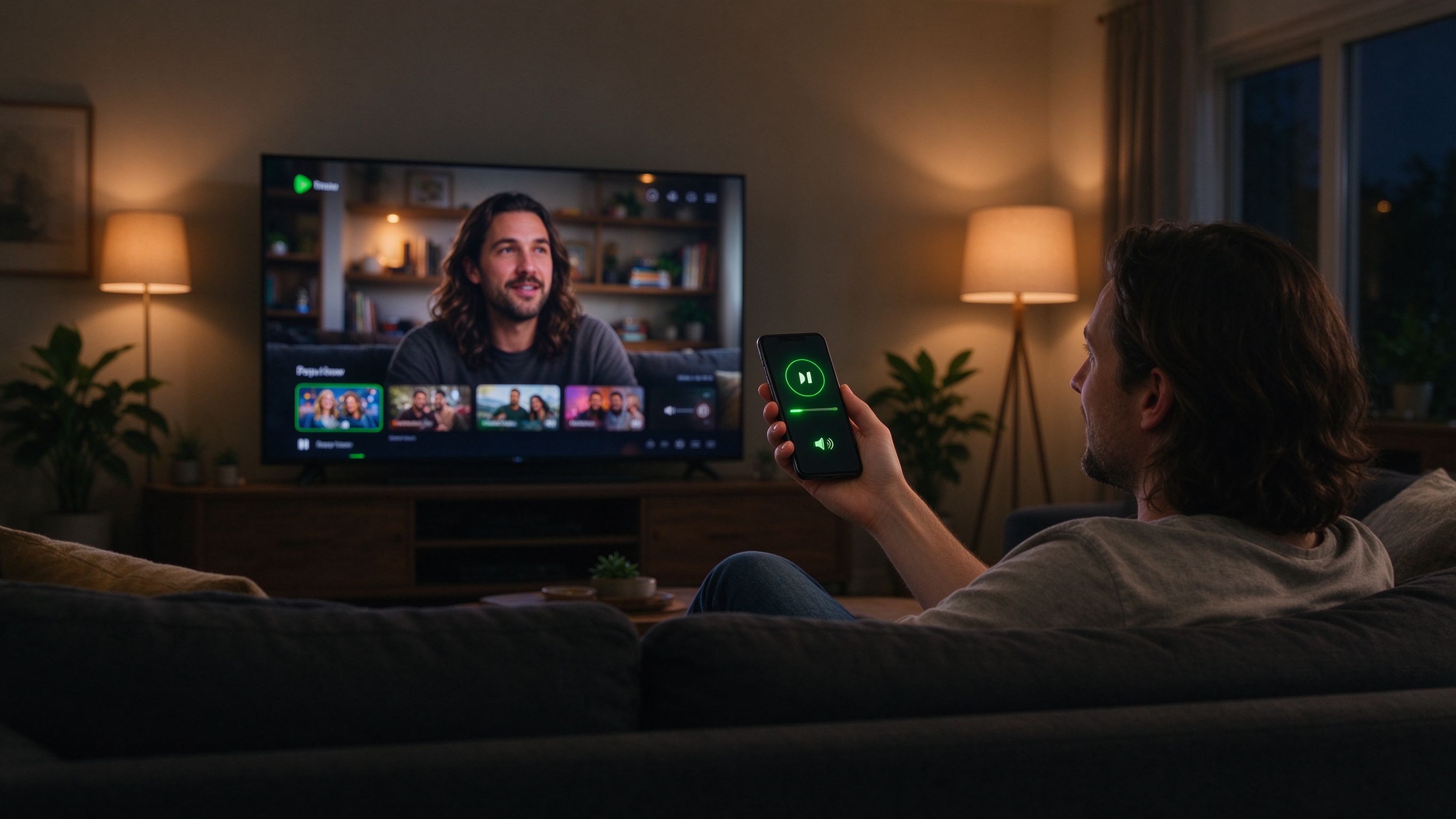
Control your TV and Apple TV from your couch
在沙发上遥控你的电视与 Apple TV
End the thumb-twister remote. Type into any search box, drive playback and browse from your phone instead with AirBee Deck.
告别繁琐的遥控器。改用手机在任何搜索框打字、控制播放并浏览。
Read more阅读全文